
Android vs Windows Industrial Tablets: Choosing the Best OS

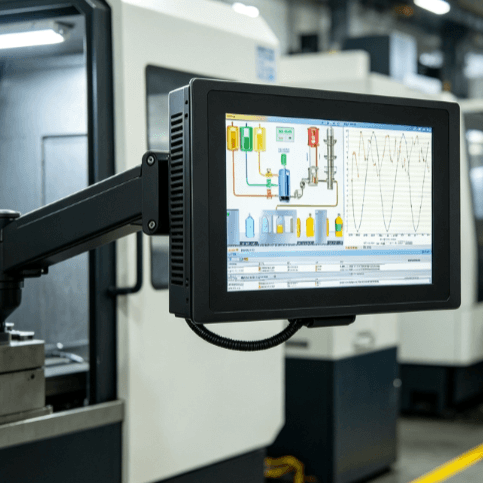
The selection of an operating system for industrial computing is no longer a simple matter of user preference; it is a critical architectural decision that impacts long-term scalability, software compatibility, and total cost of ownership (TCO). In the rugged tablet market, the rivalry between Android and Windows has shifted from consumer-grade features to deep-tier industrial functionality. For engineers and procurement managers, the “better” choice is dictated by the specific technical requirements of the environment, whether it involves complex legacy SCADA systems or lightweight, cloud-based inventory management.
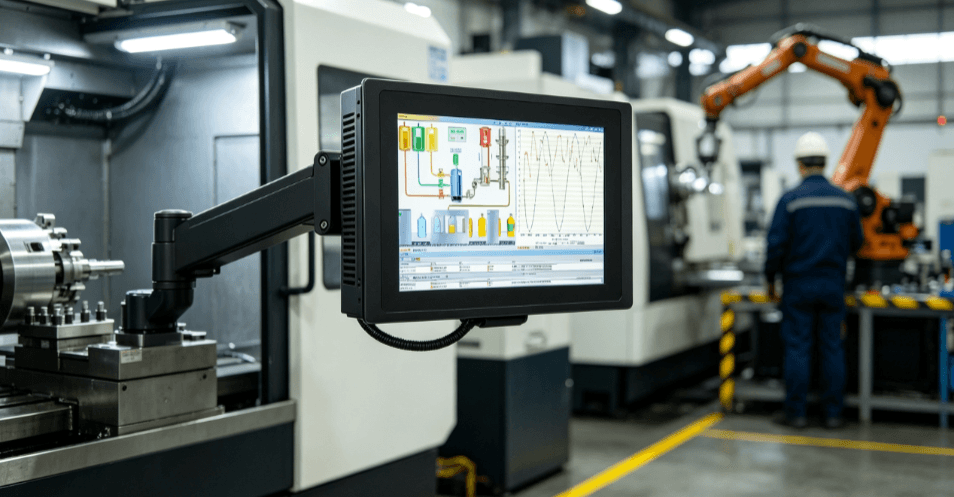
The Core Technical Paradigm: Windows vs. Android Architectures
The fundamental difference between these two platforms begins at the hardware level. Windows industrial tablets typically utilize x86 architecture (Intel Core or Celeron processors), designed for high-performance multitasking and compatibility with a vast library of legacy desktop software. This makes them essentially “portable workstations.”
Android tablets, conversely, are built on ARM architecture. These processors are optimized for energy efficiency and specialized mobile tasks. In a manufacturing environment, this distinction is vital. If your facility relies on full-scale ERP (Enterprise Resource Planning) software like SAP or Oracle in their desktop versions, a Windows tablet provides the native environment required for these applications to function without modification.
However, Android has gained significant ground through its lightweight footprint. For workflows centered on high-volume scanning, asset tracking, or simple data entry, Android’s ability to “wake” instantly and operate for extended shifts on a single charge often outweighs the raw processing power of Windows.
Comparing Performance and Software Ecosystems
When evaluating Android vs Windows industrial tablets, software integration is the primary driver of ROI.
Windows: The Power of LTSC and Legacy Support
Industrial Windows tablets frequently run on Windows 10 or 11 IoT Enterprise, specifically the LTSC (Long Term Servicing Channel). This is a critical distinction for engineers. Unlike consumer Windows, LTSC versions do not receive frequent UI updates that can break custom-built industrial software. They provide a stable, “locked-down” environment for 10 years, ensuring that a tablet deployed in a CNC workshop today will operate exactly the same way in 2030.
Android: The Agility of App-Based Development
Android thrives in environments requiring rapid deployment and custom application development. Since the Android Open Source Project (AOSP) allows for deep OS-level customization, OEMs can create highly specialized “kiosk modes” or secure skins that prevent operators from accessing unauthorized settings. For modern logistics firms using cloud-native applications, Android’s development cycle is typically faster and more cost-effective than developing for Windows.
| Feature | Windows Industrial Tablet | Android Industrial Tablet |
| Processor Architecture | x86 (Intel/AMD) | ARM (Qualcomm/Rockchip) |
| Best For | Complex legacy apps, SCADA, CAD | Data entry, scanning, cloud apps |
| OS Lifecycle | Long-term (LTSC/10 years) | Shorter (vulnerable to version jumps) |
| Peripheral Support | Extensive (Plug-and-play drivers) | Limited (Often requires custom SDKs) |
| Security Management | Active Directory / Group Policy | MDM (Mobile Device Management) |
| Power Management | High consumption (requires large batteries) | Highly efficient (longer shift life) |
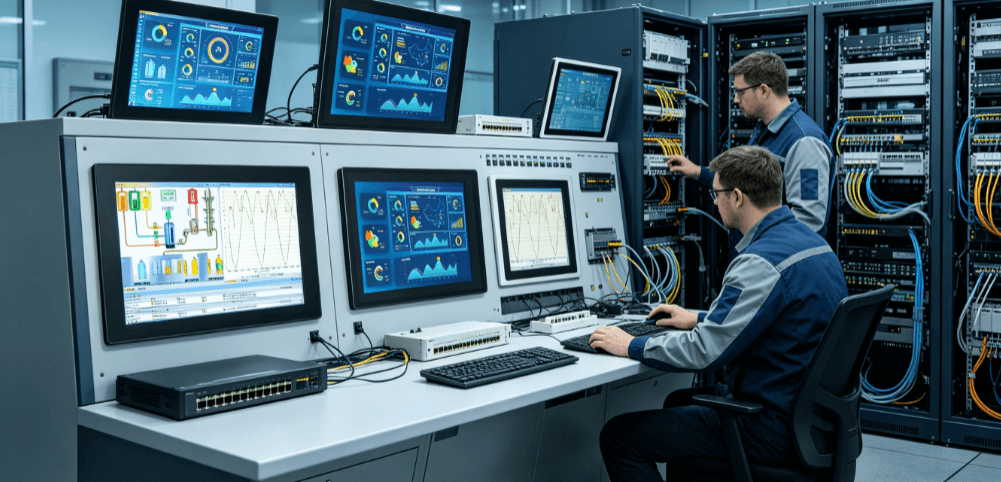
Industrial Security, Deployment, and Lifecycle Management
In an Industry 4.0 context, security is not just about data encryption; it is about preventing downtime.
Windows tablets integrate seamlessly into existing IT infrastructures. If your company uses Microsoft Azure and Active Directory, a Windows rugged tablet is simply another endpoint that follows the same security protocols as your office PCs. This reduces the burden on IT departments during initial deployment.
Android, however, has traditionally faced skepticism regarding security in industrial settings. This changed with the introduction of “Android Enterprise.” Modern rugged Android tablets now support sophisticated Mobile Device Management (MDM) suites like SOTI or AirWatch. These tools allow administrators to remotely wipe devices, push silent updates, and restrict hardware features (like the camera or USB ports) to ensure the device remains a dedicated tool rather than a distraction.
Furthermore, lifecycle management is a hidden cost. Windows hardware tends to have a longer production life. When an OEM releases a Windows tablet, the internal components (like the CPU) are often available for 5–7 years. Android hardware components cycle faster, which may require periodic re-validation of your software on newer hardware models every 3 or 4 years.
Application-Specific Suitability: Where Each OS Wins
The decision between an Android vs Windows industrial tablet often settles in the specific application environment:
- Field Service & Utilities: Windows is often the winner here. Technicians frequently need to run full diagnostic software, view complex electrical schematics (PDF/CAD), and use specialized peripherals like thermal cameras or signal analyzers that require robust Windows drivers.
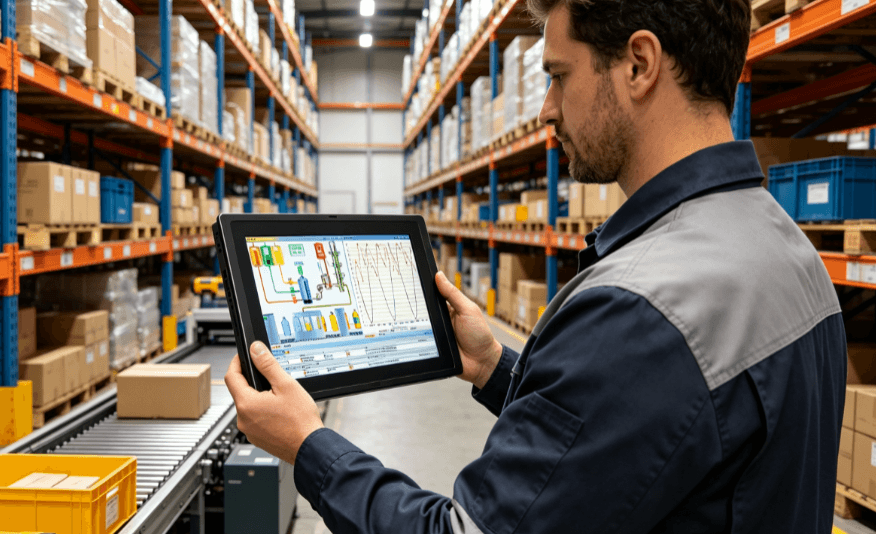
- Warehouse & Logistics: Android dominates this sector. In fast-paced picking and packing, the tablet is essentially a GUI for a barcode scanner. Android’s “Instant On” feature and superior battery life mean workers can move through an 8-hour shift without swapping batteries or waiting for a system to boot.
- Manufacturing Floor (HMI): This is a middle ground. If the tablet is used as a Human-Machine Interface (HMI) for a specific piece of equipment, Windows is preferred for its ability to run local control software. If it is used for digital work instructions or QA checklists, Android’s touch-optimized interface is more intuitive for floor staff.
Total Cost of Ownership (TCO) and Procurement Logic
From a procurement perspective, the initial purchase price of an Android tablet is generally 20% to 30% lower than a Windows tablet with comparable ruggedness. However, a professional B2B evaluation must look beyond the sticker price.
Windows carries a licensing cost (unless using specific OEM bundles), and the hardware requires more RAM and storage to run smoothly. Android devices are cheaper to purchase but may require more frequent software “porting” if the OS version reaches end-of-life.
Consultant’s Tip: When requesting an RFQ, prioritize the “Ruggedness-to-Performance” ratio. For Windows, ensure you are looking at devices with at least 8GB of RAM and an i5-level processor if you intend to run multitasking software. For Android, verify the “GMS” (Google Mobile Services) certification; without it, you may lose access to essential updates and the Play Store, which can complicate enterprise deployments.
FAQ
Q: Can I run my old Windows 7 industrial software on a new Windows 11 tablet?
A: In most cases, yes. Windows 10/11 Pro or IoT Enterprise offers strong backward compatibility. However, you should test the drivers for specialized peripherals (like RS232 converters) as they are the most common point of failure in legacy migrations.
Q: Are Android tablets as rugged as Windows tablets?
A: Ruggedness is independent of the OS. Both Android and Windows tablets can be built to MIL-STD-810G/H standards and IP65/67 ratings. The choice of OS does not affect the physical durability of the chassis, screen, or internal shock-mounting.
Q: Which OS is better for outdoor use in direct sunlight?
A: This depends on the screen technology (nits and optical bonding) rather than the OS. However, Windows tablets tend to generate more heat due to the x86 processor, which may lead to thermal throttling in high-temperature outdoor environments compared to ARM-based Android tablets.
Q: What is the benefit of Windows IoT Enterprise for industrial use?
A: Windows IoT Enterprise LTSC allows you to disable “feature updates” while still receiving critical security patches. It also includes “Lockdown Features” like a Shell Launcher (running your app as the UI) and a Unified Write Filter (protecting the drive from unauthorized changes).
Reference Sources
- IEEE Xplore: Research on ARM vs. x86 power efficiency in industrial sensor nodes.
- Microsoft Learn: Documentation on Windows 10 IoT Enterprise LTSC lifecycle and deployment.
- Android Enterprise: Official documentation on Zero-touch enrollment and MDM integration for ruggedized fleets.
- MIL-STD-810H: Department of Defense Test Method Standard for Environmental Engineering Considerations.