
Industrial Router vs Home Router for IoT Applications

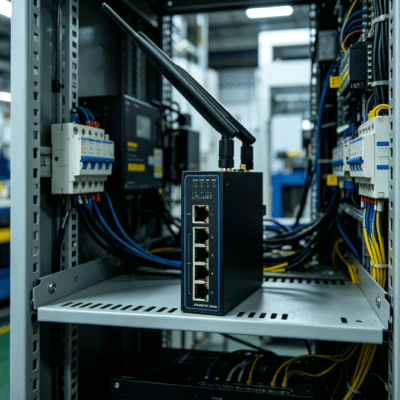
Choosing the right networking hardware is critical for any connected project. Many users struggle to decide between an industrial router vs home router when deploying IoT solutions. While both devices provide internet access, their internal architectures serve different purposes. A home router focuses on media streaming and simple user interfaces for indoor use. Conversely, an industrial router handles harsh environments and continuous data transmission for automated systems. Understanding these technical gaps ensures your network remains stable under professional demands.
Technical Performance of Industrial Router vs Home Router
The primary difference lies in hardware durability and component quality. Home routers typically use plastic casings designed for climate-controlled living rooms. These devices often fail when temperatures exceed 35°C or drop below 0°C. In contrast, industrial routers feature rugged metal housings and high-grade thermal management. They are built to operate in extreme conditions ranging from -40°C to 85°C. This allows them to function inside outdoor electrical cabinets or unheated factory floors without hardware degradation.
Data reliability also distinguishes these two categories. Home routers often require periodic reboots to clear cache memory and restore speed. This instability is unacceptable for mission-critical IoT deployments. Industrial models utilize watchdog timers to monitor system health automatically. If a software glitch occurs, the device resets itself within milliseconds to maintain uptime. Research shows that industrial-grade components have a Mean Time Between Failures (MTBF) of over 1,000,000 hours. Consumer units rarely reach a fraction of that lifespan in 24/7 operating cycles.
Connectivity Options and Physical Interfaces
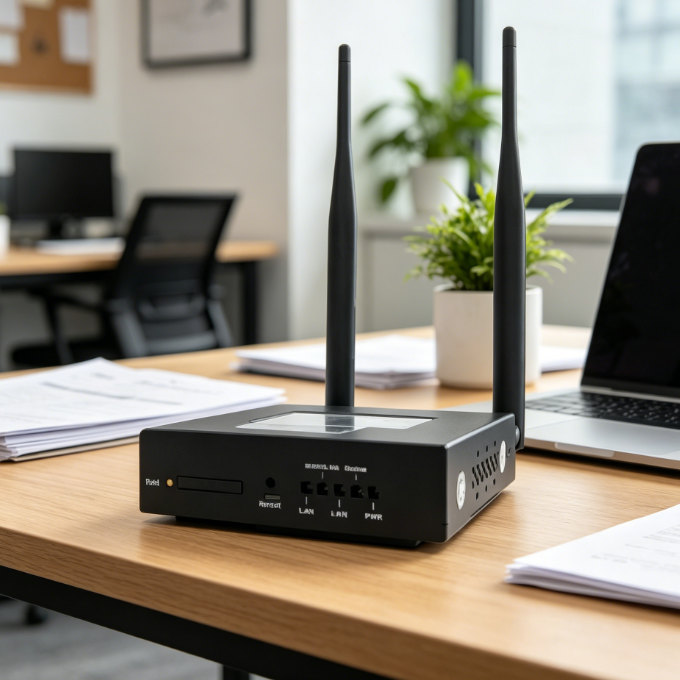
Connectivity options further separate the hardware types. A standard home router relies on a single WAN port and basic Wi-Fi. Industrial routers often include dual-SIM slots for cellular failover and load balancing. If one carrier network fails, the router switches to a backup provider instantly. They also support specialized physical interfaces like RS232, RS485, and DI/DO ports. These connections allow the router to communicate directly with legacy industrial machinery and sensors.
| Feature | Home Router | Industrial Router |
| Operating Temp | 0°C to 40°C | -40°C to +85°C |
| Casing Material | Plastic | Aluminum or Galvanized Steel |
| Mounting | Desktop / Wall | DIN-Rail / Wall / Rack |
| Reliability | Consumer Grade | Industrial Grade (Watchdog supported) |
| Failover | Rare | Dual-SIM / Multi-WAN Failover |
| Security | Basic Firewall | Advanced VPN (IPsec, OpenVPN, L2TP) |
Why Industrial Routers are Essential for Remote IoT Sites
Remote monitoring requires hardware that can withstand electrical interference and physical vibration. Standard consumer routers lack protection against electromagnetic interference (EMI). In a factory setting, large motors generate significant electrical noise that disrupts wireless signals. Industrial routers include EMI shielding and surge protection to prevent circuit damage. They meet strict international standards like IEC 61000-4 for immunity against electrostatic discharge.
Power flexibility is another major advantage for industrial settings. Most home routers require a specific 12V DC wall adapter. Industrial sites often use 9V to 36V DC power systems or solar arrays. Industrial routers support a wide voltage input range to accommodate these power sources. They also feature terminal block connectors for secure wiring. This prevents power cables from vibrating loose in mobile applications like buses or trucks.
Advanced Security and Remote Management
Security protocols in industrial devices are much more robust. While home routers offer basic WPA3, industrial units provide comprehensive VPN tunneling. This allows engineers to create encrypted point-to-point connections over public cellular networks. Features like IPsec, OpenVPN, and GRE ensure that sensitive industrial data remains private. These routers also allow for granular remote management through specialized cloud platforms. Admins can update firmware on thousands of devices simultaneously without visiting the physical sites.
How to Evaluate Connectivity Stability in Industrial Environments
Stability is measured by the ability to maintain a persistent connection under load. Home routers are optimized for “bursty” traffic, such as loading a webpage or video. IoT devices often send small packets of data at constant intervals. Industrial routers use optimized TCP/IP stacks to handle these persistent low-bandwidth connections. This prevents the “zombie connection” issue where a device appears connected but cannot transmit data.
Signal penetration and antenna quality also differ significantly. Consumer routers use fixed antennas tuned for short-range indoor coverage. Industrial models feature SMA antenna connectors for external high-gain antennas. This allows users to mount the router inside a metal box while placing the antenna outside. Such a configuration is essential for underground utilities or remote weather stations. High-quality industrial routers support diverse frequency bands to ensure compatibility with global carriers.
Signal Resilience and Auto-Recovery Features
Field testing confirms that industrial hardware handles signal interference better than consumer gear. For example, in a warehouse with high metal shelving, 4G/5G signals often fluctuate. Industrial routers utilize advanced signal filtering to maintain a “lock” on the best available tower. They can also perform “link check” pings to verify internet end-to-end connectivity. If the ping fails, the router triggers a reconnection sequence automatically. This level of autonomy is rarely found in home-market products.
Determining the Right Choice for Your Connectivity Infrastructure
Deciding between an industrial router vs home router depends on the cost of downtime. If a home router fails, the inconvenience is usually minor and easily fixed by a manual reset. If a router fails in an oil rig or a remote smart city node, the repair cost is high. You must consider the labor expenses of sending a technician to a remote location. In most professional scenarios, the higher initial cost of industrial hardware is offset by lower maintenance.
When evaluating your needs, consider the environmental conditions of your installation site. If the device is subject to vibration or extreme heat, exploring 4G/5G industrial routers and CPE options is necessary to ensure long-term stability. These specialized connectivity solutions provide the rugged hardware required for demanding professional scenarios. Choosing the correct grade of equipment prevents the premature hardware failure commonly seen with consumer electronics in the field.
Furthermore, consider the mounting requirements and lifecycle of the product. Industrial routers typically support DIN-rail mounting, which is the standard for industrial control panels. This ensures the device stays secure and organized alongside other electrical components. Consumer electronics are replaced every 18 months, but industrial manufacturers guarantee long-term product availability. This consistency is vital for large-scale infrastructure projects that require standardized hardware configurations over five to ten years.
Summary
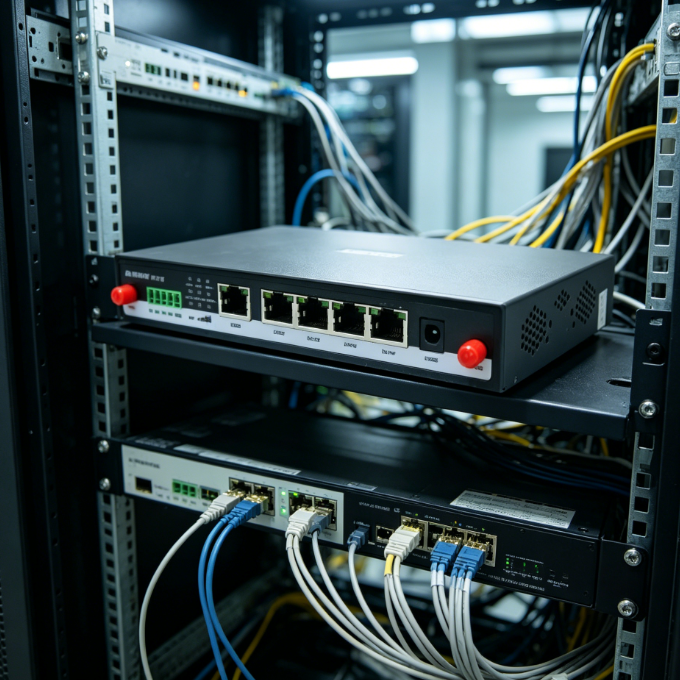
The choice between an industrial router vs home router is a choice between reliability and initial cost. While home routers are sufficient for low-stakes indoor use, they lack the “heart” for industrial IoT. Industrial routers provide the temperature resistance, security protocols, and failover mechanisms needed for professional uptime. By investing in industrial-grade hardware, you ensure long-term stability and reduce the total cost of ownership for your network infrastructure.
FAQ
3. What is the main benefit of an industrial router over a home router?
The main benefit is environmental durability and 24/7 reliability. Industrial routers operate in extreme temperatures and feature automatic recovery tools like watchdogs that prevent system crashes.
2. Can I use a home router for a small business IoT setup?
You can, but it is not recommended for critical tasks. Home routers lack the VPN security, metal shielding, and cellular failover capabilities required to protect business data and ensure constant connectivity.
3. Are industrial routers much slower than home Wi-Fi 6 routers?
Not necessarily, but they prioritize different things. While home routers focus on high-speed local Wi-Fi, industrial routers focus on stable cellular (4G/5G) links and secure data tunneling for remote machine communication.
4. Do industrial routers support SIM cards?
Yes, most industrial routers feature at least one SIM slot, and many offer dual-SIM slots. This allows the router to use cellular networks as the primary or backup internet connection in areas without fiber.
Reference Sources
IEEE Xplore – Research on Industrial Communication Networks and Reliability Standards
Cisco – Whitepapers on Industrial IoT Networking and Ruggedized Hardware
Sierra Wireless – Technical Guides on Industrial Cellular Router Failover Mechanisms