
What Is an Industrial Cellular Router? A Technical Guide

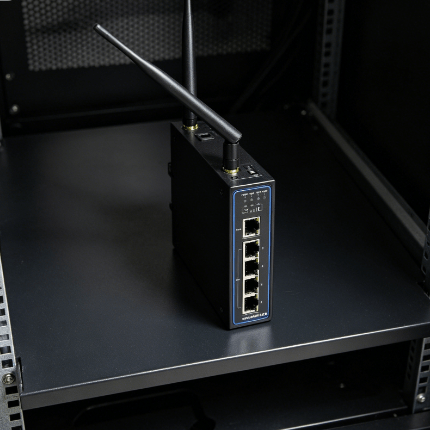
The digital transformation of the industrial sector relies on extracting data from remote or harsh environments where wired infrastructure is impossible. At the heart of this connectivity lies the industrial cellular router.
Unlike standard office hardware, an industrial cellular router is a specialized gateway engineered for persistent data transmission via 4G LTE or 5G networks. These devices link field-level assets like PLCs and sensors to centralized cloud management systems.
What Is an Industrial Cellular Router?
An industrial cellular router is a ruggedized networking device that uses cellular modem technology to provide internet connectivity to local area networks. In a manufacturing context, it functions as a sophisticated edge device that manages traffic and secures data.
The primary role of these routers is to facilitate Machine-to-Machine (M2M) communication. In remote oil fields or solar farms, these devices operate autonomously for years without human intervention.
How Does it Differ From Consumer Hardware?
Engineers must prioritize Mean Time Between Failures (MTBF) and environmental tolerance when selecting hardware. The differences between consumer and industrial grades are significant.
| Feature | Consumer/Office Router | Industrial Cellular Router |
| Operating Temperature | 0°C to 40°C | -40°C to +75°C (or higher) |
| Housing | Plastic / Non-shielded | Metal (Aluminum/Steel) / IP30-IP67 |
| Power Input | Standard AC Adapter (12V) | Wide-range DC (9V-36V) with terminal blocks |
| Mounting | Desktop / Shelf | DIN-Rail / Wall-mount |
| Cellular Redundancy | Rare / USB Dongle only | Dual SIM slots with auto-failover |
| Connectivity | Wi-Fi / Ethernet | Ethernet, Serial (RS232/485), I/O Ports |
What Are the Core Engineering Features?
To survive a factory environment, the architecture of an industrial cellular router must adhere to specific engineering standards.
Thermal Management and Enclosure?
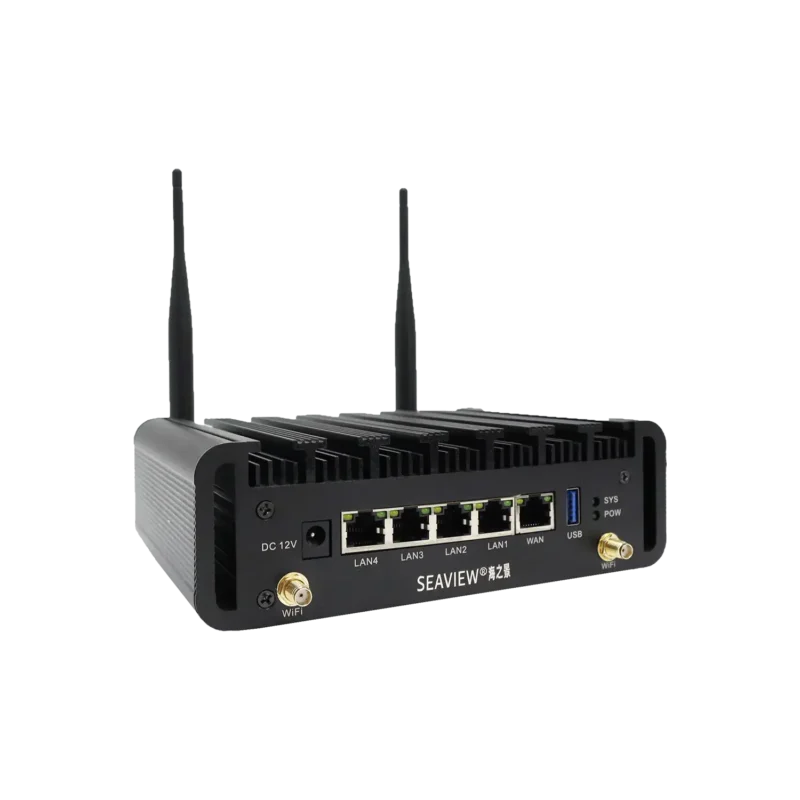
Industrial routers are typically fanless and rely on high-grade aluminum alloy housings. These act as a heat sink to dissipate internal thermal energy. This design allows operation in unventilated cabinets where temperatures fluctuate wildly.
Electromagnetic Compatibility (EMC)?
Heavy machinery and high-voltage lines create significant electromagnetic interference. Industrial routers include high-level ESD and surge protection on all ports. This prevents data corruption or hardware damage from electrical noise.
Dual SIM and Failover Logic?
Connectivity downtime in a commercial setting is a financial catastrophe. Most industrial routers, such as those in the Seaview Industry Digital Connectivity catalog, feature dual SIM slots. If the primary carrier fails, the firmware triggers an auto-failover to maintain the data stream.
Which Protocols Power M2M Communication?
Data in the industrial world is rarely uniform. An industrial cellular router acts as a translator between modern Ethernet systems and legacy serial equipment.
- Modbus Gateway: Routers often include a Modbus TCP to Modbus RTU gateway for talking to legacy PLCs.
- MQTT and Edge Computing: These devices support lightweight protocols ideal for remote monitoring with limited bandwidth.
- VPN and Security Tunnels: Routers support robust encryption including IPsec, OpenVPN, and GRE to create private tunnels over public networks.
What Are the Primary Industrial Applications?
The versatility of 4G and 5G industrial routers allows deployment across diverse vertical markets.
Smart Grid and Renewable Energy?
Solar and wind farms are often located in remote areas without fiber optics. Industrial routers monitor inverter performance and battery health, transmitting data back to a central SCADA system.
Water and Wastewater Management?
Remote pump stations use cellular routers to report tank levels and flow rates. The router’s ability to handle wide temperature swings is vital for these unstaffed facilities.
Transportation and Fleet Connectivity?
In public transit, 5G industrial routers provide passenger Wi-Fi and transmit vehicle telematics. This includes GPS location data and live security camera feeds.
4G LTE vs. 5G: Which Should You Choose?
While 5G is the modern standard, 4G LTE remains the backbone of industrial connectivity due to its broad coverage.
4G LTE: Best for telemetry and applications where data packets are small but frequency is high.
5G Sub-6GHz: Necessary for high-bandwidth applications like 4K video surveillance or autonomous mobile robots.
Summary
The industrial cellular router is the unsung hero of modern infrastructure. By bridging the gap between isolated assets and the cloud, these devices enable predictive maintenance and operational efficiency. Choosing the right device requires balancing environmental durability with protocol support and network redundancy.
FAQ
1. What is a hardware watchdog timer?
A hardware watchdog is a physical timing circuit that resets if the router’s software fails. If the software freezes, the watchdog forces a hard reboot to ensure the router recovers without manual intervention.
2. Can I use a standard SIM card?
Yes, but it is not recommended for industrial environments. Industrial M2M SIM cards are designed to withstand extreme temperatures and have higher read/write cycles than standard consumer SIMs.
3. What is the difference between a gateway and a router?
A gateway typically refers to a device performing protocol conversion like Modbus to MQTT. A router focuses on directing IP traffic between networks, though most modern industrial devices perform both functions.
4. How does an industrial router handle dead zones?
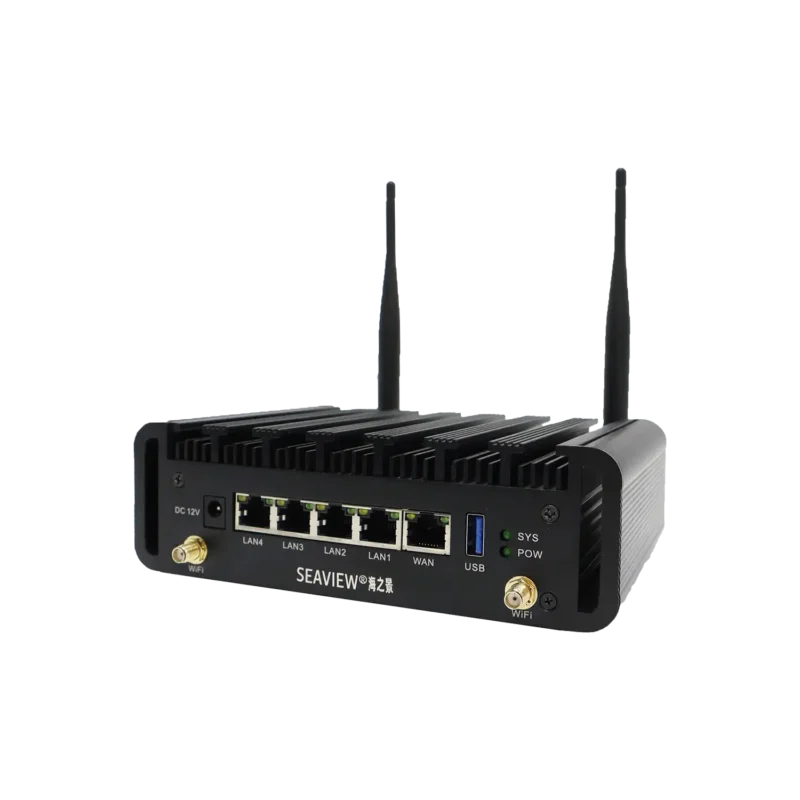
Industrial routers feature high-gain external antenna ports. By using specialized directional antennas mounted outside metal cabinets, the router can reach signals that consumer devices would lose.
Reference Sources
IEEE Standards for Industrial Networking